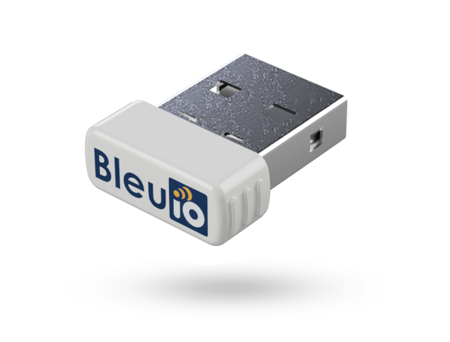
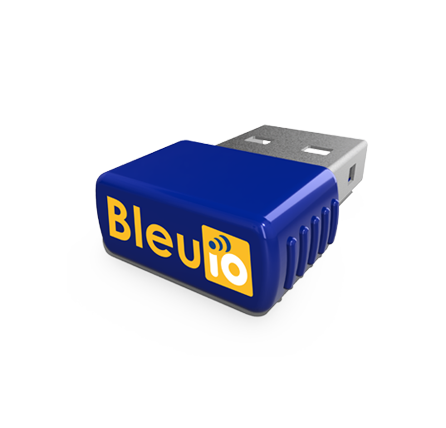
BleuIO Firmware v2.8.0.6 Released: Enhanced MTU Control and Improved DUAL Mode Reliability
November 4, 2026
We’re pleased to announce the release of BleuIO firmware v2.8.0.6, introducing new Bluetooth Low Energy (BLE) connection controls and improvements to DUAL mode reliability.
This update gives developers greater flexibility in managing MTU (Maximum Transmission Unit) negotiation while ensuring more consistent connection behavior when operating in DUAL mode.
Let’s take a look at what’s new.
What’s New in Firmware v2.8.0.6?
1. Manual MTU Exchange with AT+REQMTU
The new AT+REQMTU command allows developers to manually initiate a GATT client (GATTC) MTU exchange at any point after establishing a BLE connection.
MTU determines the maximum size of an ATT packet exchanged between connected BLE devices. Negotiating an appropriate MTU can help improve data transfer efficiency.
New command:
AT+REQMTU
With this feature, developers can:
- Request MTU negotiation whenever needed after connection.
- Gain greater control over BLE communication workflows.
- Simplify testing and debugging of MTU-related behavior.
This functionality is similar to manual MTU requests available in BLE development tools such as nRF Connect.
2. Automatic MTU Negotiation Control with AT+AUTOMTU
Firmware v2.8.0.6 also introduces AT+AUTOMTU, allowing developers to enable or disable automatic MTU negotiation during connection parameter updates.
New commands:
AT+AUTOMTU=1— Enable automatic MTU negotiation.AT+AUTOMTU=0— Disable automatic MTU negotiation.
When automatic negotiation is disabled, developers can use AT+REQMTU to trigger MTU exchanges manually.
Together, these commands provide greater flexibility for applications requiring precise BLE connection management.
Improved DUAL Mode Connection Reliability
This release also resolves an intermittent issue where BleuIO could initialize into the incorrect client or server role while operating in DUAL mode.
With the latest firmware, BleuIO now correctly determines its role based on the connection type:
- Incoming connection: BleuIO operates in the server role.
- Outgoing connection: BleuIO switches to the client role.
This fix ensures more predictable connection behavior for applications that use both BLE central and peripheral functionality.
How to Update Your BleuIO
There are two convenient ways to update your BleuIO to firmware v2.8.0.6.
Option 1: Download and Install the Latest Firmware
You can download the BleuIO firmware and follow the firmware update instructions in our official documentation:
Download the latest BleuIO firmware and view the update guide
Option 2: Update Using the BleuIO Web App
You can also update your BleuIO directly through the BleuIO web application, which provides a convenient browser-based firmware update process.
Update BleuIO using the web app
Make sure to select the correct firmware for your BleuIO device model before updating.
Update your BleuIO to firmware v2.8.0.6 and take advantage of improved MTU management and more reliable DUAL mode connections.
Stay connected for more BleuIO updates, developer resources, and Bluetooth Low Energy tutorials at bleuio.com.