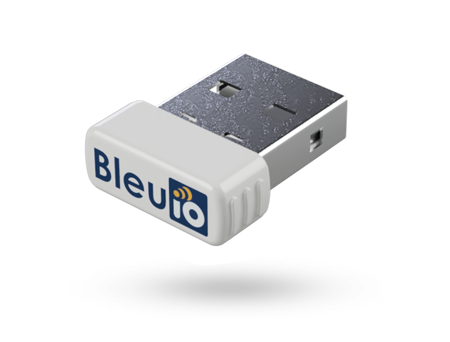
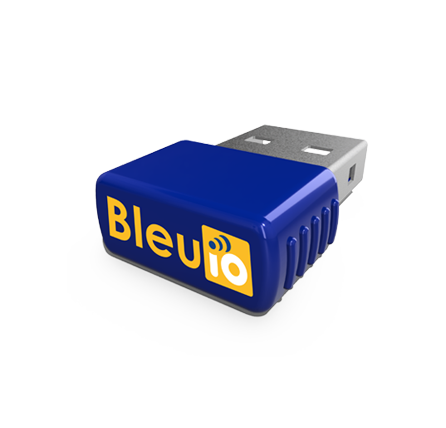
Using BleuIO with Fortran to Scan and Decode BLE Advertising Data
May 8, 2026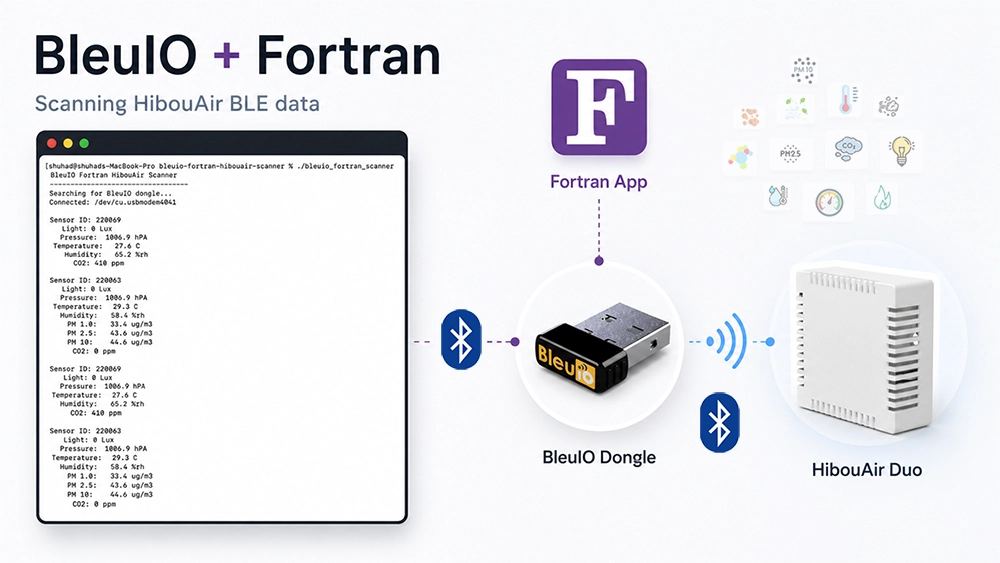
Bluetooth Low Energy development is often associated with languages like C, Python, JavaScript, or mobile frameworks. But with BleuIO, BLE communication becomes accessible from almost any programming language that can work with a serial port. In this tutorial, we will build a simple Fortran terminal application that connects to a BleuIO USB dongle, sends AT commands, scans for nearby HibouAir BLE advertisements, decodes the advertising data, and prints the sensor values directly in the terminal.
This project is intentionally small and beginner-friendly. The goal is not to build a full production BLE application, but to demonstrate how Fortran can communicate with BLE devices through BleuIO using simple serial communication.
Why Fortran for a BLE Example?
Fortran is one of the oldest programming languages still actively used today, especially in scientific computing, engineering, numerical modelling, and high-performance applications. While Fortran is not normally the first language people think of for BLE development, this example shows an interesting advantage of using BleuIO.
What We Are Building
The application does the following:
It connects to a BleuIO USB dongle using serial terminal. Then it configures the serial port and sends BleuIO AT commands. After that, it starts a filtered BLE scan for HibouAir advertisements using the command:
AT+FINDSCANDATA=FF5B07The program then reads the incoming scan data, extracts the advertising payload, decodes the HibouAir manufacturer data, and prints values such as sensor ID, light or noise, pressure, temperature, humidity, CO2, and particulate matter values where available. The README also notes that the program automatically searches for a BleuIO dongle using VID 0x2dcf and PID 0x6002.
Project Requirements
Before running the project, install the required packages on macOS using Homebrew:
brew install gcc libserialport pkg-configYou will also need the following hardware:
1. BleuIO USB dongle
2. HibouAir CO2 Sensor
Getting the Project
The full source code is available on GitHub:
https://github.com/smart-sensor-devices-ab/bleuio-fortranBuilding the Project
Build the project with:
makeThis creates the executable:
./bleuio_fortran_scannerThe README confirms that the project is built using make and creates the bleuio_fortran_scanner binary.
Running the Project
Run the scanner from the terminal:
./bleuio_fortran_scannerOnce started, the program searches for the connected BleuIO dongle, opens the serial port, prepares the dongle, and starts scanning for HibouAir BLE advertisements.
You can stop the program at any time using:
Ctrl-CHow It Works
The project is split into small Fortran source files to keep the example easy to understand.
The libserialport_bindings.f90 file contains the small ISO_C_BINDING interface required to call libserialport. The serial_utils.f90 file handles finding, opening, configuring, reading from, writing to, and closing the serial port. The bleuio_commands.f90 file contains helper procedures for sending BleuIO AT commands. The simple_json.f90 file extracts the predictable fields needed from the BleuIO scan response. The hibouair_decoder.f90 file decodes HibouAir manufacturer data and prints the sensor values. Finally, main.f90 contains the main scanner flow.
The main idea is simple. BleuIO receives BLE advertising data and returns it through the serial port. The Fortran application reads each line, checks whether it contains valid scan data, extracts the advertisement payload, and decodes the bytes according to the HibouAir data format.
Because BleuIO handles the BLE communication, the Fortran code does not need to manage Bluetooth scanning directly. It only sends AT commands and reads the response.
Example Output
When a HibouAir CO₂ sensor is found, the terminal output looks like this:
BleuIO Fortran HibouAir Scanner
--------------------------------
Searching for BleuIO dongle...
Connected: /dev/tty.usbmodemXXXX

  Sensor ID: 123ABC
      Light: 52 Lux
   Pressure: 1012.4 hPA
Temperature: 23.6 C
   Humidity: 45.1 %rh
        CO2: 612 ppm
For a PM sensor board, the output includes particulate matter values:
  Sensor ID: 456DEF
      Light: 38 Lux
   Pressure: 1011.8 hPA
Temperature: 22.9 C
   Humidity: 47.2 %rh
     PM 1.0: 2.1 ug/m3
     PM 2.5: 4.8 ug/m3
      PM 10: 7.3 ug/m3
        CO2: 0 ppm
These sample outputs are also included in the project README.
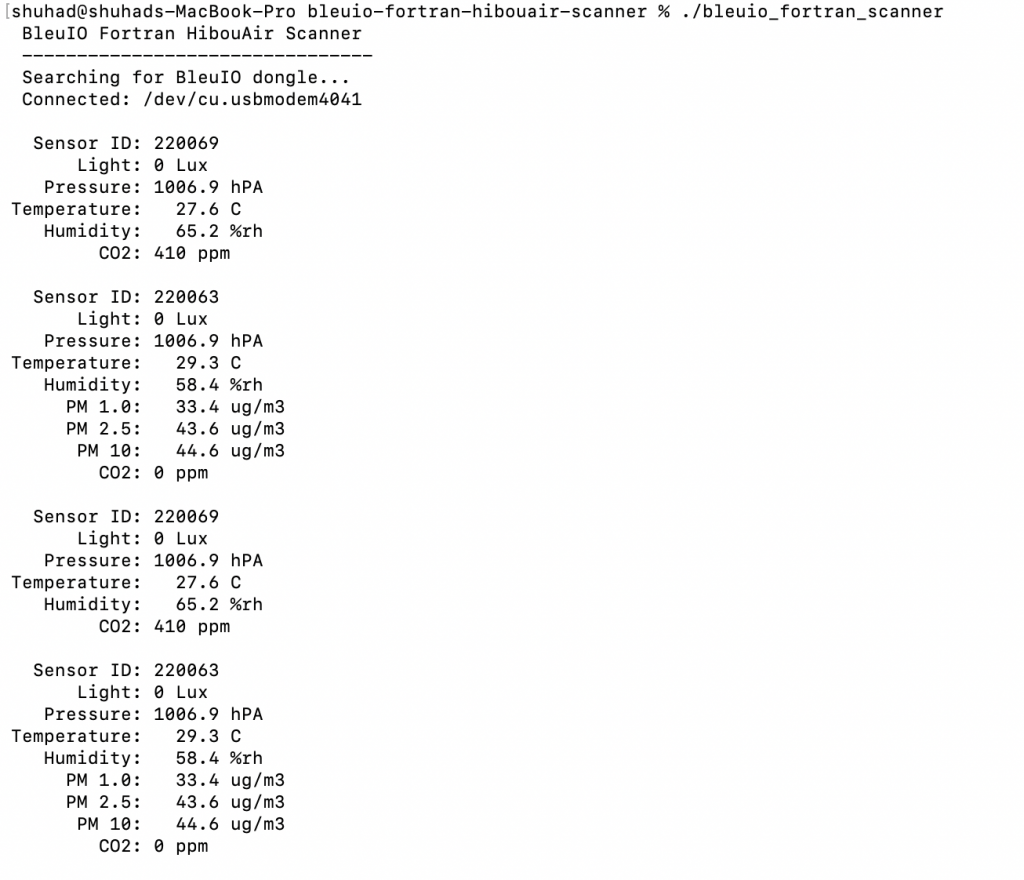
Output Screenshot
Add a screenshot here showing the terminal running the Fortran application and printing decoded HibouAir sensor values.
Further Development
This project is a simple example showing how BleuIO can be used with Fortran when building BLE applications. It demonstrates the basic workflow: connect to BleuIO through a serial port, send AT commands, scan for BLE advertisements, read the response, and decode the data.
Developers can use this example as a starting point and expand it for their own projects. For example, the script could be extended to save sensor readings to a file, export data as CSV, monitor multiple HibouAir devices, trigger alerts when CO₂ or PM values are high, or integrate the data with scientific and engineering workflows where Fortran is already used.