BleuIO Pro Firmware v1.0.7.0 Released: Improved Stability, Better Scan Handling
June 25, 2026
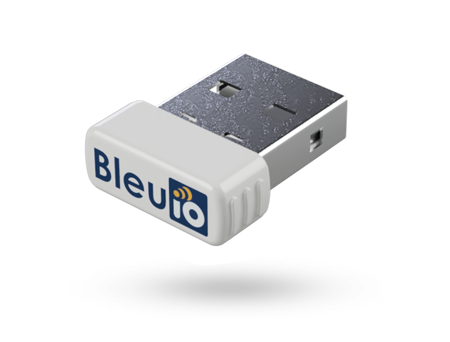
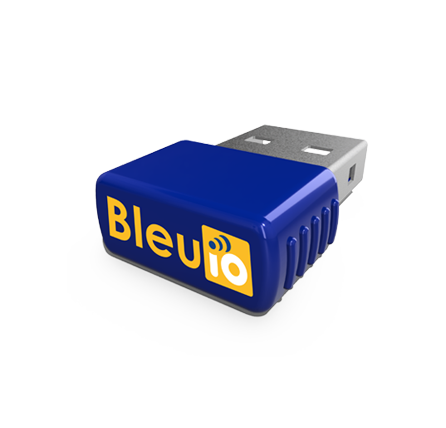
We are pleased to announce the release of BleuIO Pro firmware v1.0.7.0. This update focuses on improving stability, increasing BLE scan reliability during high-traffic scenarios, and adding a new command for retrieving RSSI values from active connections.
The latest firmware is now available for download from the BleuIO Pro firmware documentation page. Users can update their device by following the firmware update instructions here:
What’s New in Firmware v1.0.7.0
Improved Stability and Scan Performance
One of the key improvements in this release is the way BleuIO Pro handles BLE scan responses and USB logging. In previous versions, high BLE traffic could occasionally cause scan data to be lost when USB logging was happening at the same time.
To address this, scan result parsing and USB logging have now been moved to a dedicated Scan Processing Task. This separates time-sensitive BLE operations from heavier processing tasks, resulting in better performance and improved reliability.
A new FIFO scan response queue has also been added. This queue passes scan data from the BLE Task to the Scan Processing Task in an organized and efficient way. As a result, BleuIO Pro can now handle high-traffic BLE environments more reliably, especially when many nearby devices are advertising at the same time.
Better Handling of Shared Resources
This firmware also resolves potential race conditions between USB, BLE, and Scan Processing tasks. Mutexes have been added to protect shared resources, helping ensure that different tasks can work together safely without interfering with each other.
These changes make BleuIO Pro more stable and dependable for developers working with continuous scanning, logging, and data-heavy BLE applications.
New AT Command: AT+CONNRSSI
Firmware v1.0.7.0 introduces a new command:
AT+CONNRSSI
This command retrieves the RSSI value from an active BLE connection. It is useful for applications where signal strength monitoring is important, such as proximity detection, connection quality tracking, diagnostics, and BLE performance testing.
With this addition, developers now have a simple way to check the signal strength of a connected BLE device directly through the AT command interface.
Bug Fix: USB Device Serial Number Display
This release also fixes an issue where the USB Device Information Serial Number was truncated and only showed the first three digits.
With firmware v1.0.7.0, the serial number is now displayed correctly, making device identification and debugging more reliable.
How to Update
There are two ways to update your BleuIO Pro firmware.
You can download the latest firmware and follow the update instructions from the official documentation:
https://www.bleuio.com/getting_started/docs/firmware_pro/#latest-firmware
You can also update the firmware using the BleuIO web app:
https://bleuio.com/bleuioapp/#/fw
We recommend all BleuIO Pro users update to the latest firmware to benefit from these improvements.