BleuIO Pro Firmware v1.0.6.4 Released
April 17, 2026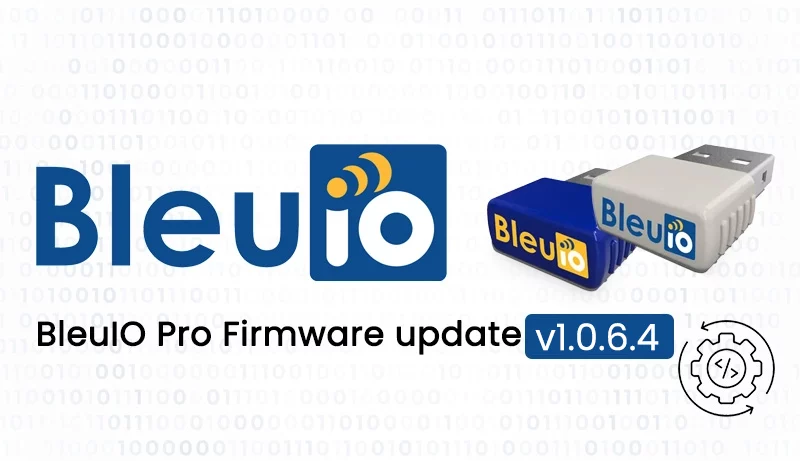
BleuIO has released a new firmware update for BleuIO Pro, version 1.0.6.4. This update focuses on improving connection reliability, refining command behavior, and addressing several inconsistencies that affected usability. The goal of this release is to make development smoother while ensuring better alignment with Bluetooth standards.
Improved Connection Stability
This version introduces enhancements to connection stability, making interactions between devices more reliable. Users working with BLE applications may notice fewer unexpected disconnections and more consistent behavior when establishing connections. These improvements are particularly valuable in environments where signal interference or frequent reconnections are common, helping ensure that BleuIO Pro performs more predictably in both development and production scenarios.
Updated MTU Command Behavior
A key change in this release involves the AT+MTU command. The minimum MTU value has been adjusted from 67 to 65 to comply with Bluetooth Secure Connection requirements defined by the Bluetooth SIG. This update ensures that developers can configure their devices according to official specifications without needing workarounds. By aligning with the required minimum MTU of 65, the firmware better supports secure BLE communication and improves compatibility with other Bluetooth-enabled devices.
Improved Advertising Command Handling and Interval Reporting
The behavior of the AT+ADVSTART command has been refined to address multiple inconsistencies and improve overall reliability. In earlier versions, the command could return misleading responses when advertising was already active, particularly in non-verbose mode, and it did not restart advertising or apply updated intervals when executed again. Additionally, it sometimes failed to report the correct advertising interval, which created uncertainty when configuring BLE behavior. With this update, the command now correctly returns an error if advertising is already running, ensuring consistent behavior across both verbose and non-verbose modes. It also reliably reports the configured advertising interval, giving developers clearer visibility and more precise control over advertising settings.
Consistent ASCII Formatting
This release also standardizes the formatting of the term “ASCII” across the firmware. In earlier versions, the term appeared in inconsistent forms such as lowercase or partially capitalized variations. It is now consistently presented in uppercase as “ASCII,” improving clarity and maintaining a uniform standard throughout command outputs and documentation.
How to Update Your Firmware
Updating to the latest firmware is straightforward. You can download the latest release and follow the step-by-step instructions available in our official documentation at https://www.bleuio.com/getting_started/docs/firmware_pro/ Alternatively, you can use the BleuIO web application to perform the update directly from your browser by visiting https://bleuio.com/bleuioapp/#/fw.
Both methods are designed to make the upgrade process quick and seamless.