The BleuIO Web App: A Faster, Simpler Way to Work with Bluetooth Low Energy
January 9, 2026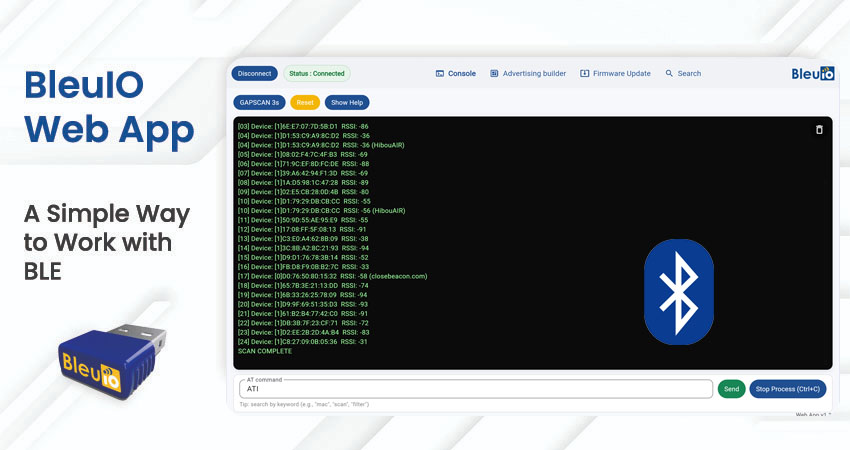
Bluetooth Low Energy development traditionally involves installing serial terminal software, configuring ports, memorizing AT commands, and constantly switching between tools and documentation. While this approach works, it often slows down development and adds unnecessary complexity, especially during early testing and prototyping.
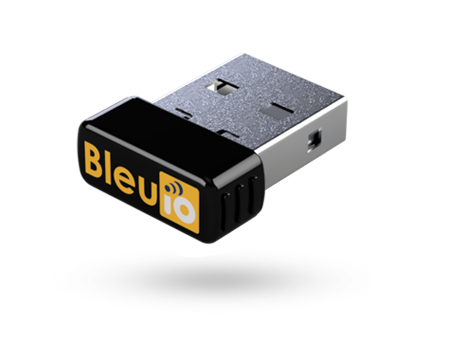
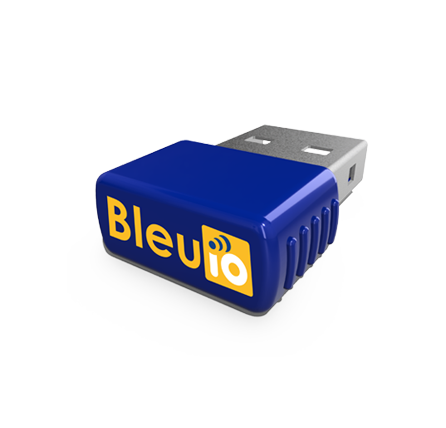
The BleuIO Web App was created to simplify this workflow. It provides a browser-based interface that allows developers to work directly with BleuIO and BleuIO Pro dongles without installing any software. By moving the entire workflow to the web, the app removes friction and makes BLE development more accessible and efficient.
No Installation. No Drivers. No Terminal Software.
One of the key strengths of the BleuIO app is that it runs entirely in the browser. There is no need to install serial terminal tools like Tera Term, Minicom, or Screen, and there is no platform-specific setup required. Developers can simply plug the BleuIO dongle into their computer, open the web app, and start interacting with the device immediately.
This plug-and-play approach makes the app ideal for quick testing, demonstrations, workshops, and development environments where speed and simplicity are important. It also ensures a consistent experience across operating systems, as everything is handled directly through the browser.
Clear Connection Status and Live Terminal Output
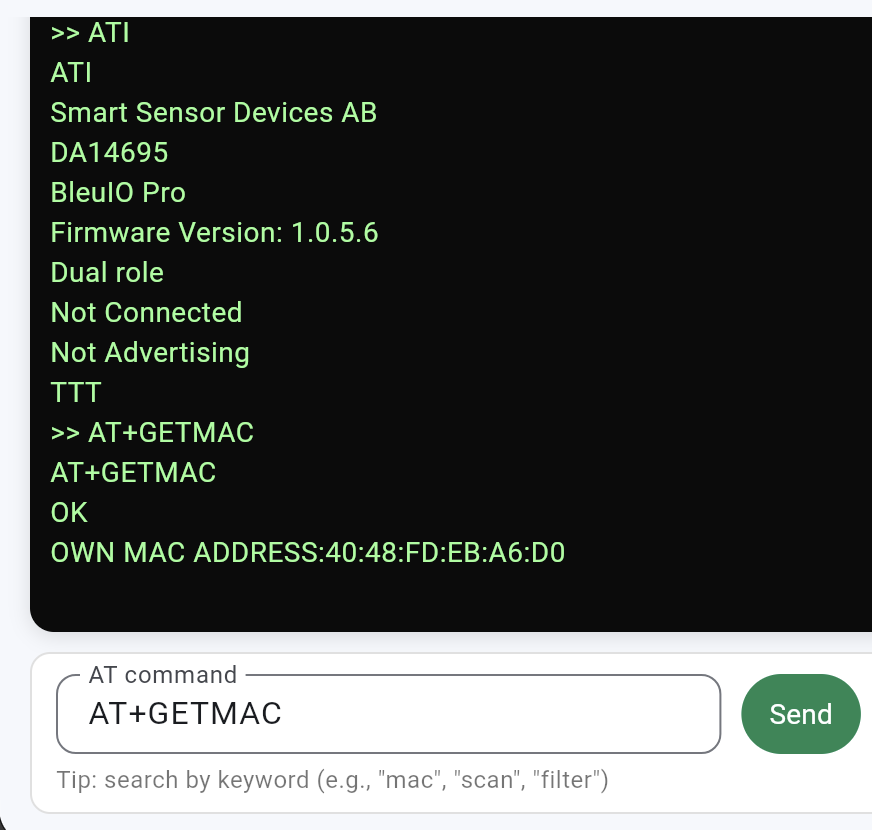
As soon as a BleuIO device is connected, the app clearly displays the connection status. This immediate feedback removes uncertainty and ensures developers always know when the dongle is ready to receive commands.
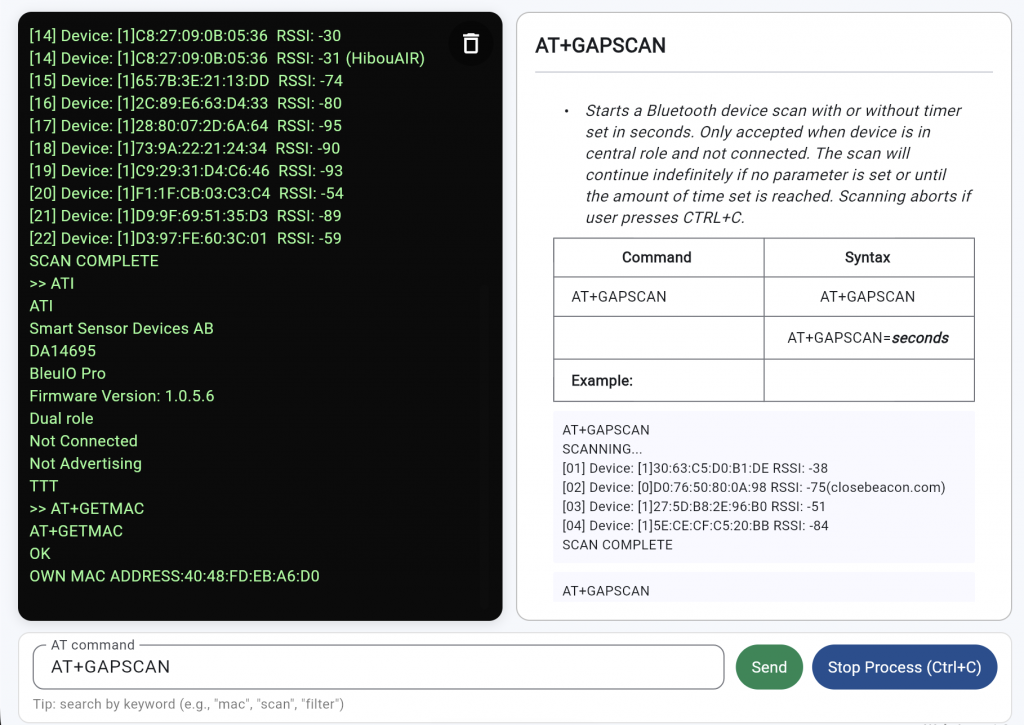
The integrated terminal shows responses in real time, allowing developers to observe scan results, device information, and command feedback as it happens. This direct visibility helps speed up debugging and makes it easier to understand how the device behaves during different operations.
Smart AT Command Input with Built-In Discovery
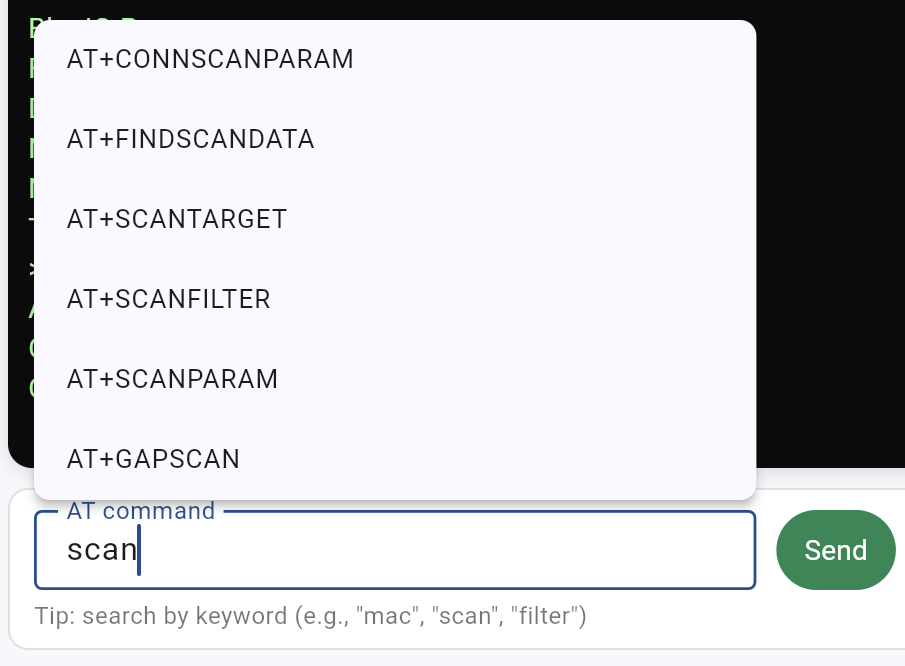
The BleuIO app removes the need to memorize AT commands by providing intelligent command suggestions. As developers begin typing a keyword, relevant commands appear instantly, making discovery fast and intuitive.
This approach is especially helpful when working with a large command set or when learning the platform for the first time. It allows developers to focus on what they want to achieve rather than recalling exact command names.
Integrated Help for Every Command
Each AT command in the app includes built-in help that explains how the command works, which parameters it accepts, and what type of response to expect. This information is available directly inside the interface, without requiring a separate documentation window.
By keeping command explanations close to where commands are executed, the app encourages experimentation while reducing mistakes. Developers can confidently adjust parameters and immediately see how those changes affect device behavior.
BLE Advertising Builder for Rapid Testing
Constructing BLE advertising payloads manually can be time-consuming and prone to errors. The BLE advertising builder simplifies this process by allowing developers to assemble payloads step by step using a clear interface.
By selecting a manufacturer ID and entering hex data, the app generates a valid advertising payload that can be copied and sent directly to the dongle. This is particularly useful for prototyping custom devices, testing advertising formats, or validating payload structures during development.
Powerful Search Across All AT Commands
The built-in search feature allows developers to explore the full set of AT commands by keyword. Instead of scrolling through documentation, developers can quickly find relevant commands related to topics such as security, pairing, or scanning and view their details immediately.
This turns the app into both a control interface and a reference tool, making it easier to learn the platform while actively working with the hardware.
Simple and Safe Firmware Updates
Firmware management is fully integrated into the BleuIO app, allowing developers to check installed firmware versions and update or downgrade firmware directly from the browser. The process is guided and designed to minimize the risk of errors.
For BleuIO Pro, firmware updates are straightforward and fast. For the standard BleuIO dongle, the app clearly guides the user through the additional step required during the update process. Once the update is complete, reconnecting and verifying the firmware version takes only a few moments.
Designed for Developers, Not Just Demos
The BleuIO app is more than a demonstration tool. It is built for daily development work, helping developers move faster by reducing setup time and keeping everything in one place. Tasks such as sending AT commands, scanning BLE devices, building advertising payloads, exploring command documentation, and managing firmware can all be handled from a single browser window.
If you prefer a visual walkthrough, there is also a detailed video that explains all the features of the BleuIO app and shows how to use them step by step. The video demonstrates real-time usage, including connecting a device, sending AT commands, scanning for BLE devices, building advertising payloads, and updating firmware. You can watch the video below to see the app in action.
By combining control, visibility, and guidance into one interface, the app supports both experienced developers and those who are new to BLE development.